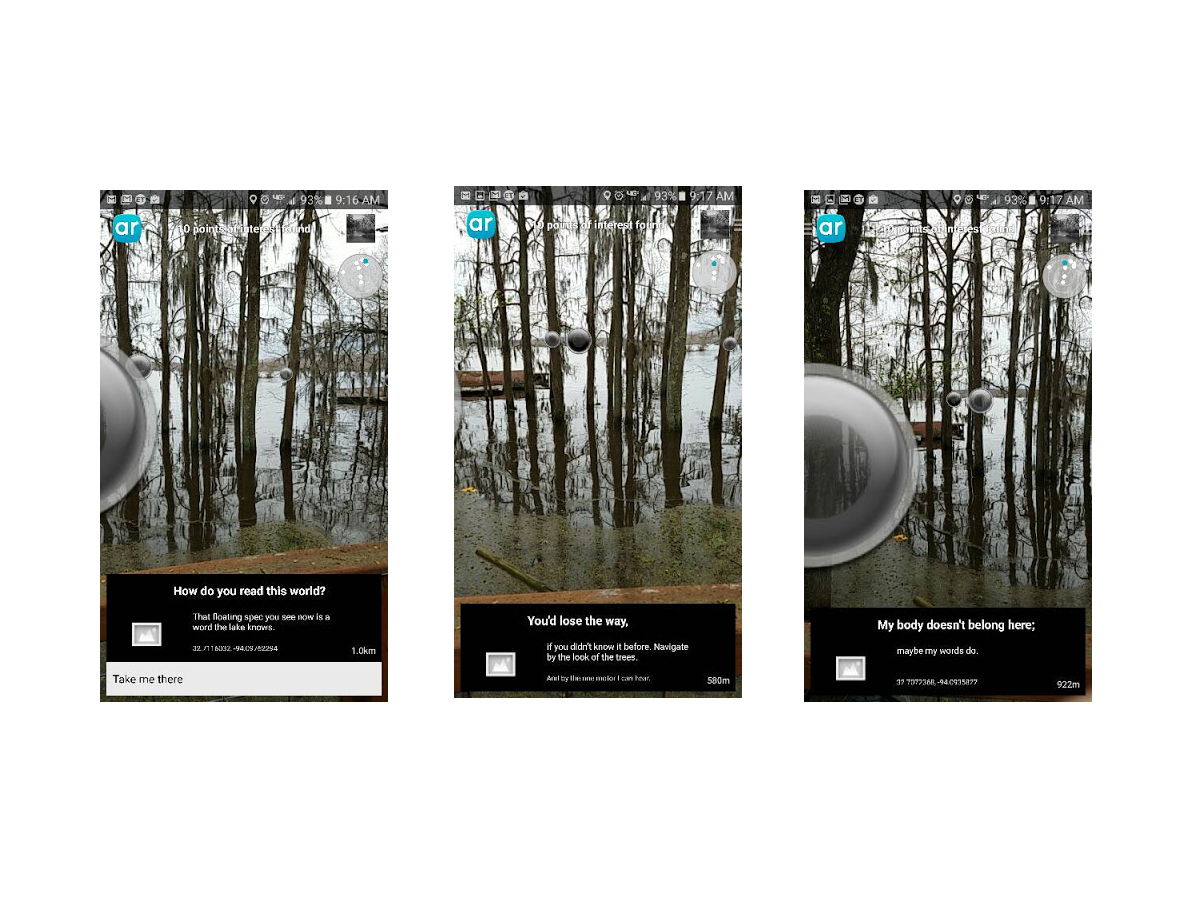
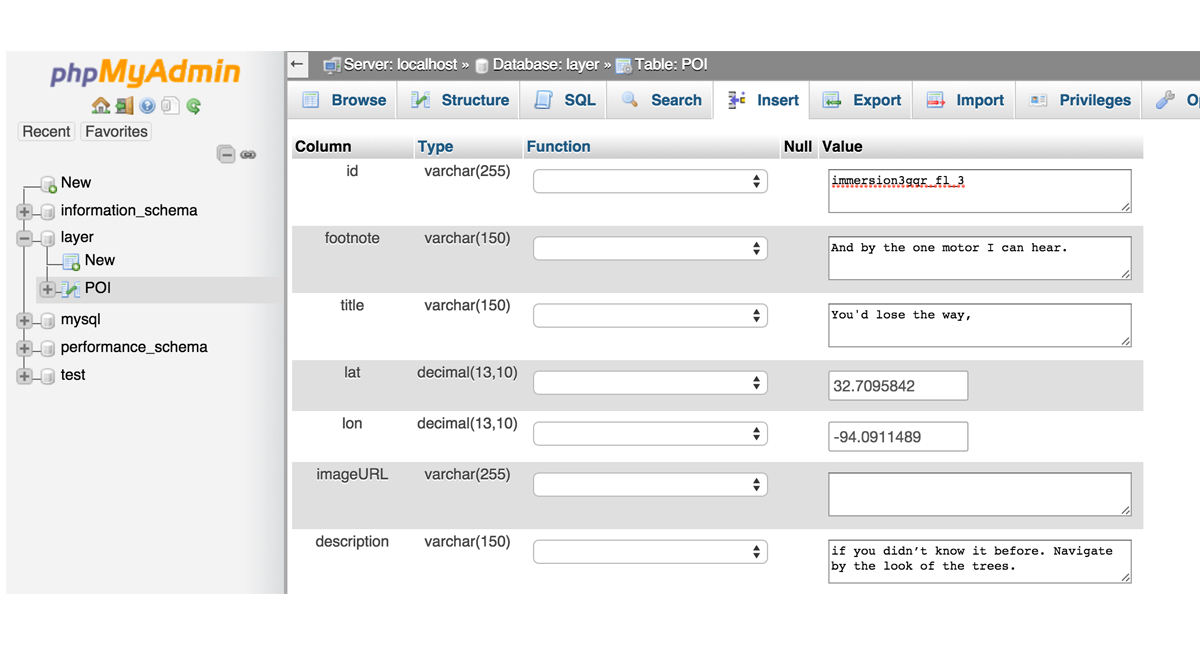
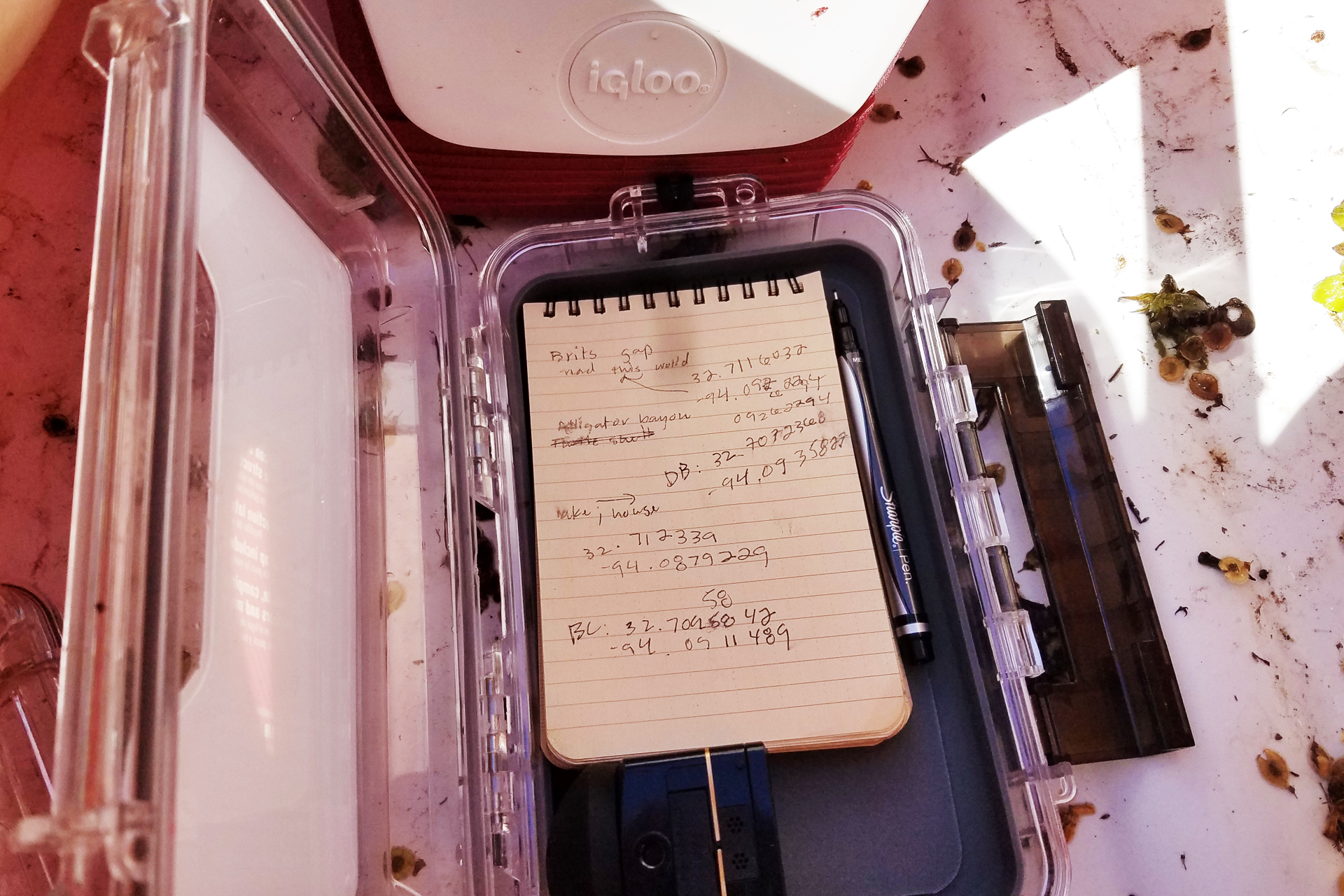
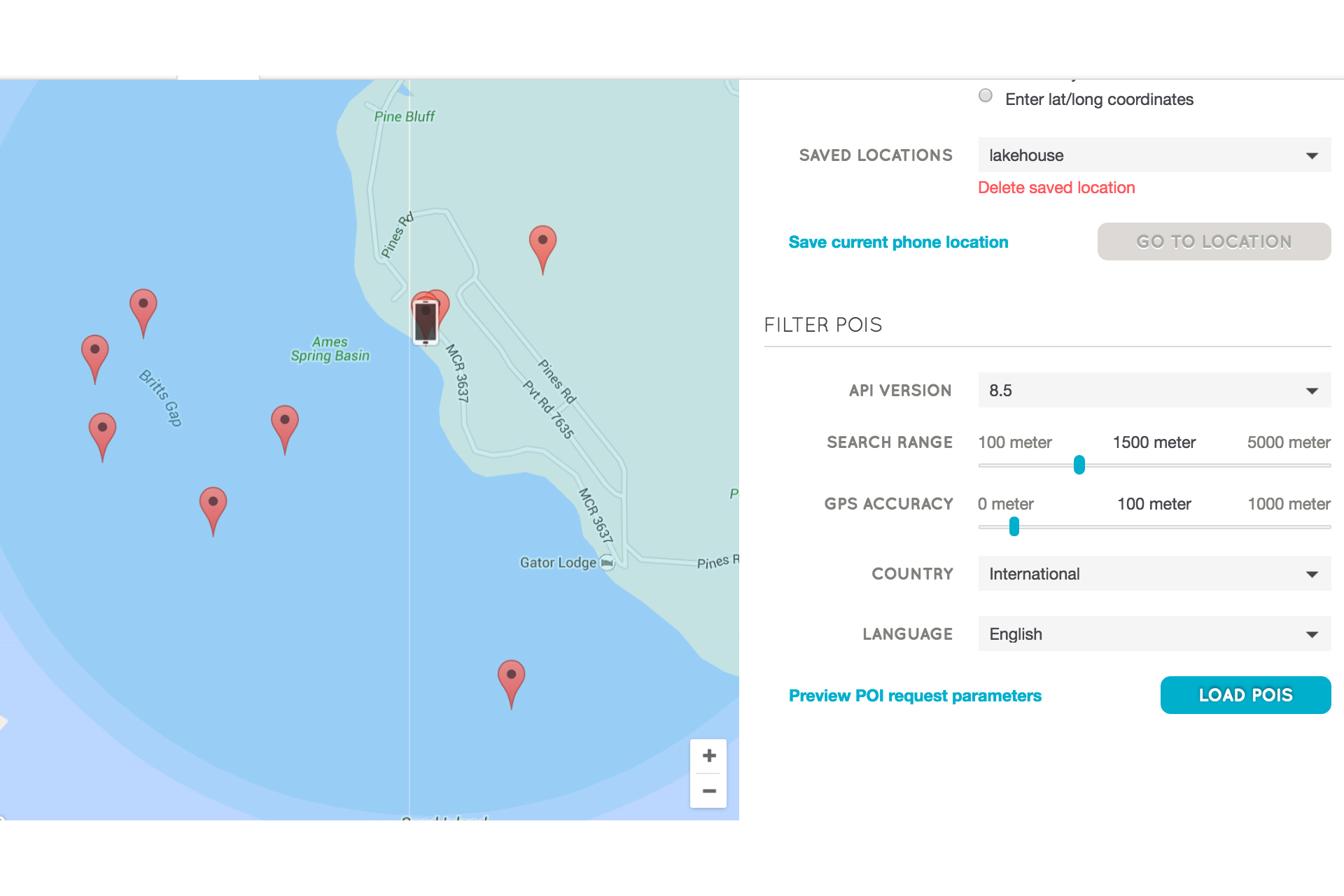
I started my study to satisfy my curiosity about what the augmented reality (AR) medium is. During the study, this initial question transformed from “what is it?” to wider, more philosophical considerations of what it means to write on the world. I first approached this broad inquiry into “what AR is as a rhetorical space” by attempting a comparative interface critique. Using free mobile apps, the most accessible form of AR at the time of this project, I wanted to understand the genre conventions of these apps and their content. I tired quickly of this approach. I wanted instead to create a story myself to work through the actual act of making, writing, and learning about place and AR through this medium.
When we recognize that some kinds of digital stories are geographically bound--e.g., rooted in particular places--we can see, as I did, that creating such a storyscape means that my readers/users can only experience the storyscape in the place. This complicated my philosophical inquiry and caused me to examine the affordances and limitations of writing storyscapes in AR.
As consumer applications of AR are still emerging media at the time of this writing, my inquiry into this technology incurs the risk (nea, the certainty) of the specific applications I reference becoming dated or replaced with other similar, improved applications, or simply by applications that I have yet to learn about.
While the mobile applications of AR are relatively new media, augmented reality as a concept and as an engineering tool has had numerous applications since Thomas Caudell of Boeing coined the term almost twenty-four years ago in the Proceedings of the Twenty-fifth Hawaii international conference on system sciences among other emerging conversations about hypertext and legal documents, “relational tone” and computer interface design, and the indexing needs of teams of workers accessing files remotely (Mital and Gedeon, 1992; Walther, 1992; Wanninger, 1992). Caudell’s definition of AR anticipates AR as a productivity tool:
“The enabling technology for this access interface is a heads-up (see-thru) display head set (we call it the “HUDset”), combined with head position sensing and workplace registration systems. This technology is used to “augment” the visual field of the user with information necessary in the performance of the current task, and therefore we refer to the technology as “augmented reality” (AR)” (Caudell and Mizell, 1992, p. 660).
Caudell’s conception of AR involves accessing AR through a head-mounted display (HMD) like that of Ivan Sutherland's “Sword of Damocles” is cited often as the first HMD, created by Sutherland’s team at the University of Utah in 1968, or, more recent AR HMDs like Microsoft’s HoloLens or Google’s now-defunct Google Glass project.
While these “see-thru” displays are making appearances as productivity tools for navigation and CAD modeling among many other applications ("Wikitude Drive", 2010; SpaceX, 2013), AR has also evolved as a tool for artistry and activism.
In a special issue of Convergence: The International Journal of Research into New Media Technologies, media scholar and artist Ozge Samanci draws comparisons between “site-specific” art of the 1980s and 1990s with “mixed reality” location-based exhibits that call upon the immediate context of the installation to inform the meaning; in both cases—the site-specific art of the twentieth century and the mixed reality, geolocation-based art that AR allows for—”out of context it will still generate meaning, although the meanings may be completely contrary or irrelevant to the original” (Samanci, 2014, p. 15).
In the same issue, Dutch artist Sander Veenhof explores the implications of AR content as “uninvited exhibition of AR art within the walls of the iconic Museum of Modern Art in 2010” (2014, pg. 11). Various artists submitted artwork coordinated by a larger organization, Manifest.AR, who then geo-tagged the artwork within the MoMA and developed a Layar application for visitors’ mobile phone; the artists collectively created a mixed reality exhibition wholly unsponsored by the museum. Such applications of AR suggest the activist bent of the medium in many of its uses.
Other AR developers have used AR for activism in places where physical protest is either dangerous or impossible to exist continuously in the place. In Spain, the Citizen Platform against the Citizens’ Security Law and Penal Code Reform organized “Holograms for Freedom” as a virtual protest against Spain’s gag laws which, according to the organization, “criminalizes the right to protest” and is a direct “attack on the right of freedom of assembly” (“Project”, hologramasporlalibertad.org). The group organized a remote protest of over 17,000 participants and then projected the holograms outside the Spanish Parliament building in April 2015 (Nosomos Delito).
Digital media and rhetoric scholar John Tinnell argues in Techno-Geographic Interfaces that “the relationship between text and context becomes a critical rhetorical issue” in that “particular texts always shape a text’s meaning” but “AR textuality is shaped by the context at the level of form; the textual field is always permeable and transparent” (Tinnell, 2014, p.80). Thus the blending of interface and physical world create new ways of writing in and understanding those worlds.