Instructions for Viewing VR Content
Viewing the VR content in the methods section requires using your mobile phone and the Google Cardboard viewer and app.
Before loading the video, ensure the follow:
- Google Cardboard (the app) is downloaded and updated on your phone. If not, download from here or by scanning the QR code on your Google Cardboard viewer.
- Google Cardboard will require an initial set-up process before working for other applications.
- YouTube (the app) is downloaded and updated on your phone. The 360 content will not load properly in older versions of the YouTube app.
Once you've ensured you have the proper applications downloaded on your phone, with your phone's web browser, return to the methods section:
- Click on the video; it should load in the YouTube App
- When the video is playing on full screen, on the bottom right-hand corner of the screen next to the video controls, you should see the Google Cardboard icon:
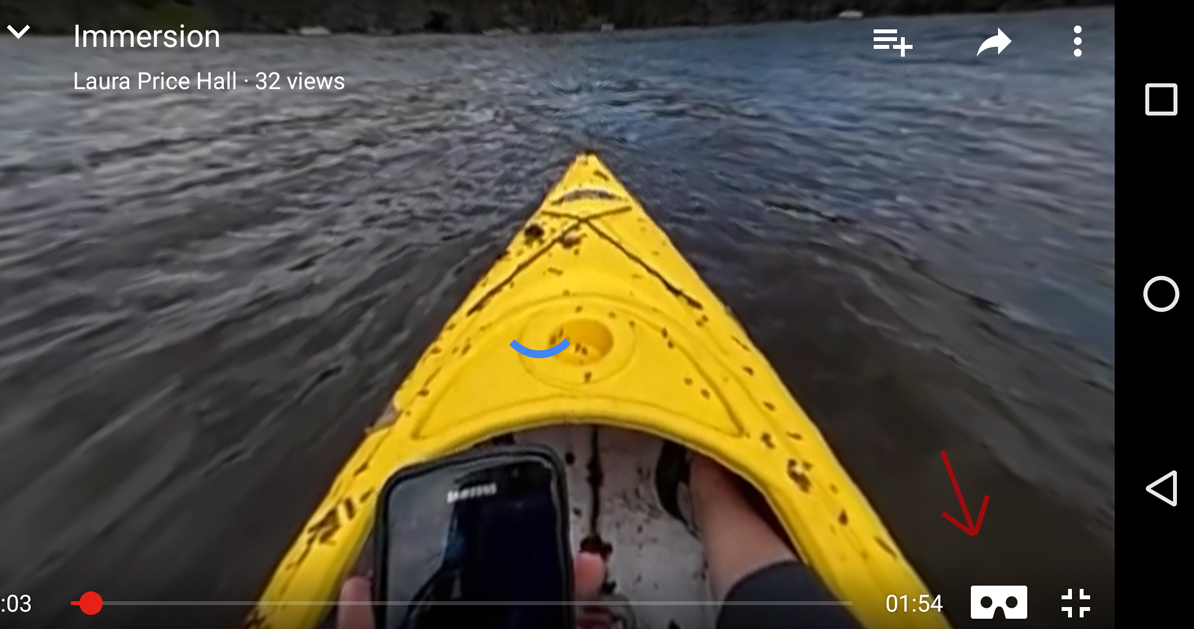
- Click the Google Cardboard icon, and the screen will move from a singular view to a stereoscopic view:
- With the video playing, then place your phone into the Google Cardboard viewer and hold the viewer to your face.
- Turn your head around to look around the 360 video.
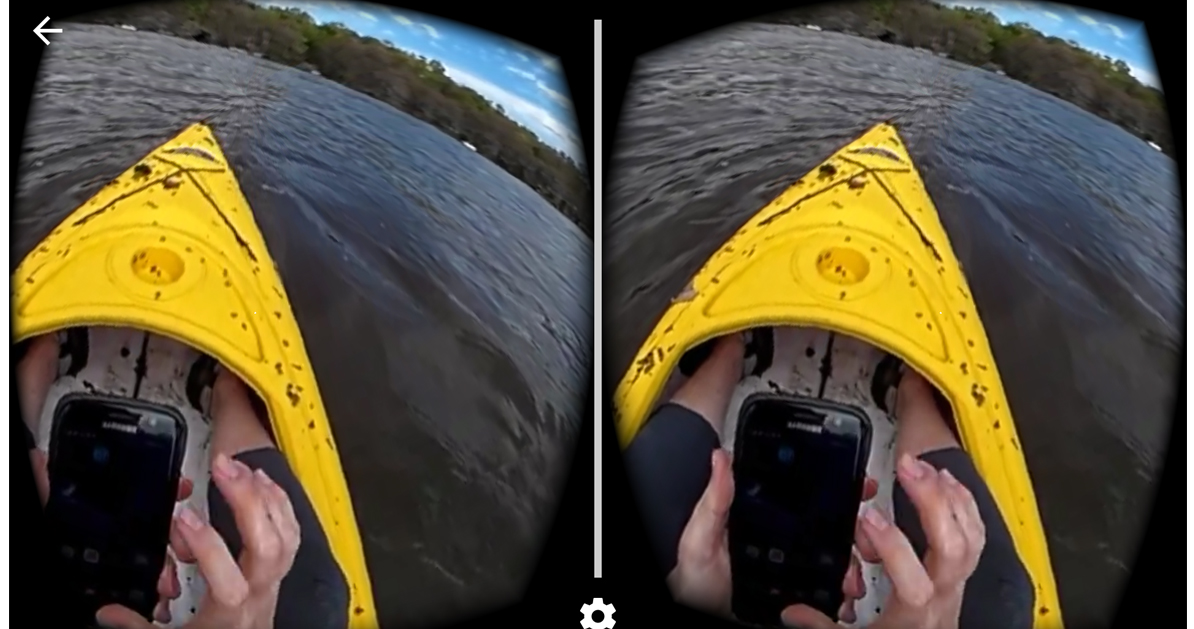
To leave Cardboard view, take your phone out of the viewer and click the arrow at the top left corner of your screen.